Global Information Technology is here for you! Click here for Virtual or In-person Appointments.

Networking

Global I.T. is a one-stop solution provider for all of your computing and networking needs. Years of industry experience and a highly technical support staff guarantee you will get the service and quality that you need.

Request I.T. Support
I.T. Services

Are you ready to start your own business, but need a network to work more efficiently?

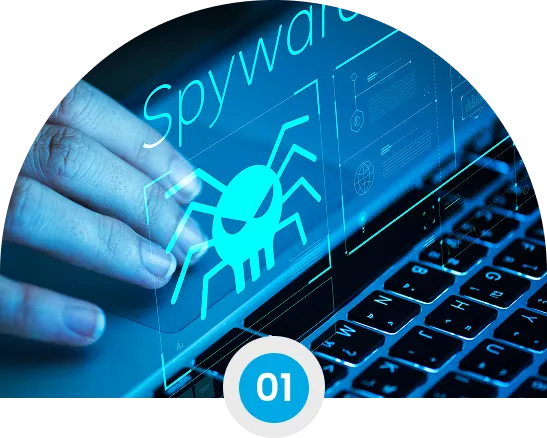
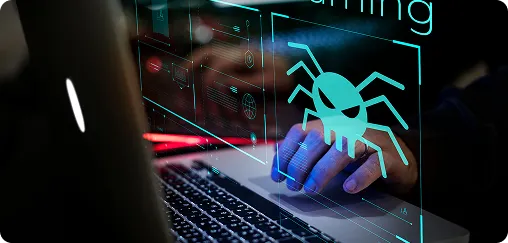
Spyware Removal

Protection from malicious software that compromises your privacy and security.

Virus Removal

Complete elimination of viruses, malware, and other threats from your systems.

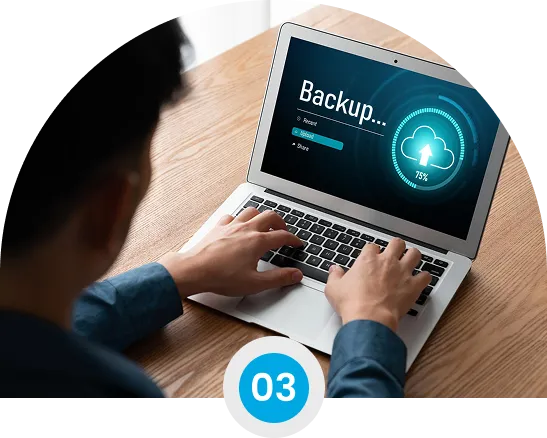
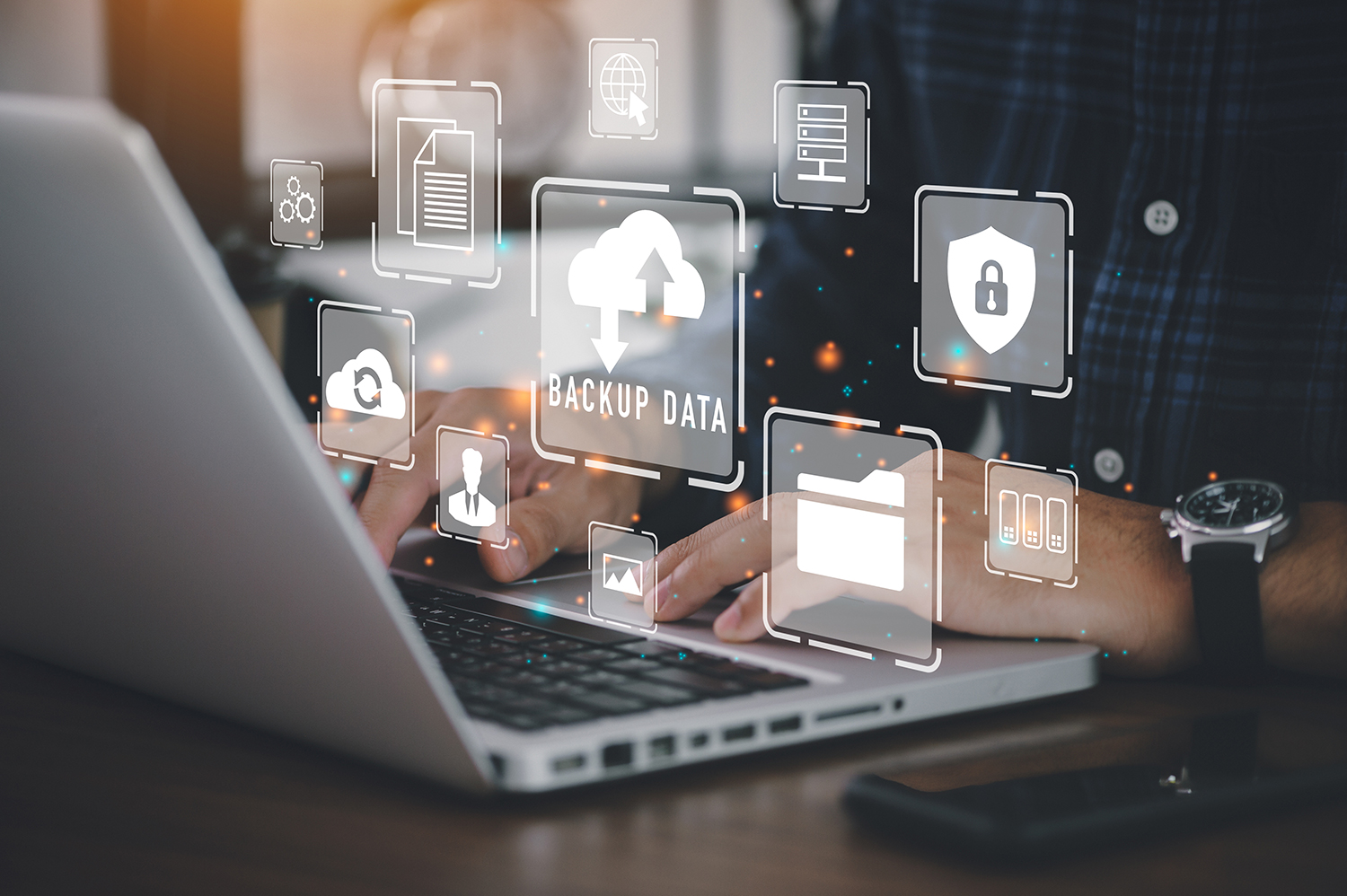
Backup & Recovery

Secure data backup solutions with fast and reliable recovery options.

INSTALLATIONS

Professional hardware and software installation for optimal performance.

NETWORKING & WIRELESS

Setup and optimization of wired and wireless networks for seamless

COMPUTER CLEANING

Thorough cleaning of hardware components to extend lifespan and improve

COMPUTER UPGRADES

Strategic hardware and software upgrades to enhance system capabilities.

Spyware Removal

Protection from malicious software that compromises your privacy and security.

Virus Removal

Complete elimination of viruses, malware, and other threats from your systems.

Backup & Recovery

Secure data backup solutions with fast and reliable recovery options.

INSTALLATIONS

Professional hardware and software installation for optimal performance.

NETWORKING & WIRELESS

Setup and optimization of wired and wireless networks for seamless

COMPUTER CLEANING

Thorough cleaning of hardware components to extend lifespan and improve

COMPUTER UPGRADES

Strategic hardware and software upgrades to enhance system capabilities.

Network Design, Implementation and Analysis

Are you ready to start your own business, but need a network to work more efficiently? Are you already established, but looking to upgrade your network? Let the experienced networking staff of Global I.T. setup, reconfigure, or expand your network to satisfy the ever-growing network technology and its need for faster, more secure networks.

Office Setup and System Building

Did you just open a new location, but do not yet have any telephone/network wiring done? Do you need new computers at your location, or the installation of one or multiple servers? Global I.T. is your partner in success when it comes to all types of computer setup. Whether you’re looking for a simple computer system installation or a more secure wireless network, we are here to help you. Let us evaluate your current setup for possible efficient and time saving solutions that can get you more time to work on the more important parts of your business. Whatever your office may need, we are ready to help you.

Although you may have an Information Technology Department working in your office, there are times when you might want to hire an I.T. consultant for some additional projects. Maybe you need to network the computers in your office. A Global I.T. consultant can help you with these tasks and more.

Comprehensive Hiring Services

Spyware Removal

In the realm of computers Spyware refers to a wide category of software designed to intercept or take partial control of the computer system without the knowledge or consent of the Computer operator. While the term implies that the installed Spyware monitors the user, in-fact the term has come to refer to software that subverts the systems operation for the benefit of a third party.

Some forms or Spyware on infected systems include:

The delivery of unwanted and unsolicited pop-up advertisements (Adware).
The theft of personal information such as credit card numbers, banking account numbers etc.
The monitoring of Web-browsing activity for marketing purposes. Spyware has become a major security threat and will attack all most any un-protected system regardless of the users surfing habits.

Read More...

Malware

Malware is malicious software that infects un-protected systems for malicious reasons such as the destruction of data, network degradation or the rendering of systems in-operable.
The best-known types of Malware are Viruses and Worms and are known for the manner in which they spread, rather than any other particular behavior.
Originally, the term computer virus was used to describe a program which infected other executable software, while a worm transmitted itself over a network to infect computers.

Read More...

Virus/Worms

Computer Virus is a self-replicating computer program that spreads by inserting copies of itself into other executable code and becomes part of, another executable program or document. A computer virus requires user intervention to spread such as user opening an e-mail that contains a virus. Viruses generally do not affect network performance, as their malicious activities are mostly confined within the target computer itself.

Computer Worm is a self-replicating computer program, similar to a computer virus. Un-like a computer virus a worm is self-contained and does not need to be part of another program to propagate itself. They are often designed to exploit the file transmission capabilities found on many computers. In addition to replication, a worm may be designed to do any number of things, such as delete files on a host system, encrypt files, or send documents via e-mail. In general, worms harm the network and consume bandwidth.

Computer OS Restore

In the realm of computers Spyware refers to a wide category of software designed to intercept or take partial control of the There are many varied reasons for re-installing the Operating System on your system. Some of these are listed below:

Disaster Recovery

Disaster recovery and business continuity refers to an organization’s ability to recover from adisaster and/or unexpected event and resume and continue operations. Organizations should have a plan in place (usually referred to as a “Disaster Recovery Plan”, or “Business Continuity Plan”) that outlines how this will be accomplished. This plan should outline backup and restore policies and procedures.

Types of backup

There are primarily three different types of backup – full, incremental, and differential.
A full backup is simply the backing up of all the files on the system.
An incremental backup only backs up the files that have changed since the most recent backup (either full or differential). An incremental backup is also referred to as a cumulative incremental backup. The advantage of this is quicker backup times; as only files changed since the last backup (full or differential) need to be saved. The disadvantage is longer recovery times, as the latest full backup, and any days up to the date of system loss need to be restored (for example, Full Backup of Monday, Incremental Tuesday – Wednesday – Thursday).
A differential backup is a cumulative backup of all changes made since the last full backup. The advantage to this is the quicker recovery time, requiring only a full backup and the latest differential backup to restore the system. The disadvantage is that each day further from the last full backup (for example Friday), the more data needs to be backed up each day; especially if a majority of the data has been edited or created.

Read More...

Data Recovery

Disaster recovery and business continuity refers to an organization’s ability to recover from a disaster and/or unexpected event and Data recovery is the process of salvaging data from damaged, failed, wrecked or inaccessible primary storage media (hard drives) when it cannot be accessed normally. Often the data is being salvaged (Restored) from storage media formats such as hard disk drive, storage tapes, CDs, DVDs, RAID, and other electronics. This can be due to physical damage to the storage device or logical damage to the file system that prevents it from being mounted by the host operating system. And continue operations. Organizations should have a plan in place (usually referred to as a “Disaster Recovery Plan”, or “Business Continuity Plan”) that outlines how this will be accomplished. This plan should outline backup and restore policies and procedures.

Read More...

Installations

Installations are divided into three types, System installations, Hardware installation and Software installs.

System Installation

A new installation of a windows operating system normally partitions the hard disk into one or more partitions (C: drive,  drive, etc.).The operating system is loaded onto one of these partitions. The partition that the operating system is actually loaded from is marked as the active partition. Once the operating system is loaded,updates and an antivirus program should be installed immediately to prevent the corruption or the system.

Read More...

Software Installation

Software has historically been considered an intermediary between electronic hardware and data. The output of a particular piece of executed software may be the input for another executed piece of software. Therefore, software may be considered an interface between hardware, data, and/or (other) software.
Once the operating system is loaded on the system, software needs to be loaded to allow the user to interface with the system and perform useful tasks (writing a letter, sending an E-mail or viewing photographs, etc.).

Read More...

Hardware Installation

Computer hardware is the physical part of a computer, including the digital circuitry. The hardware of a computer is infrequently changed, in comparison with software and data, which are “soft” in the sense that they are readily created, modified or erased on the computer. Computer hardware consists of various boards such as modems and sound cards. Hardware can be inside or outside the computer case. Some examples of hardware that is outside the computer case are printers, external modems, scanners and USB drives.

Read More...

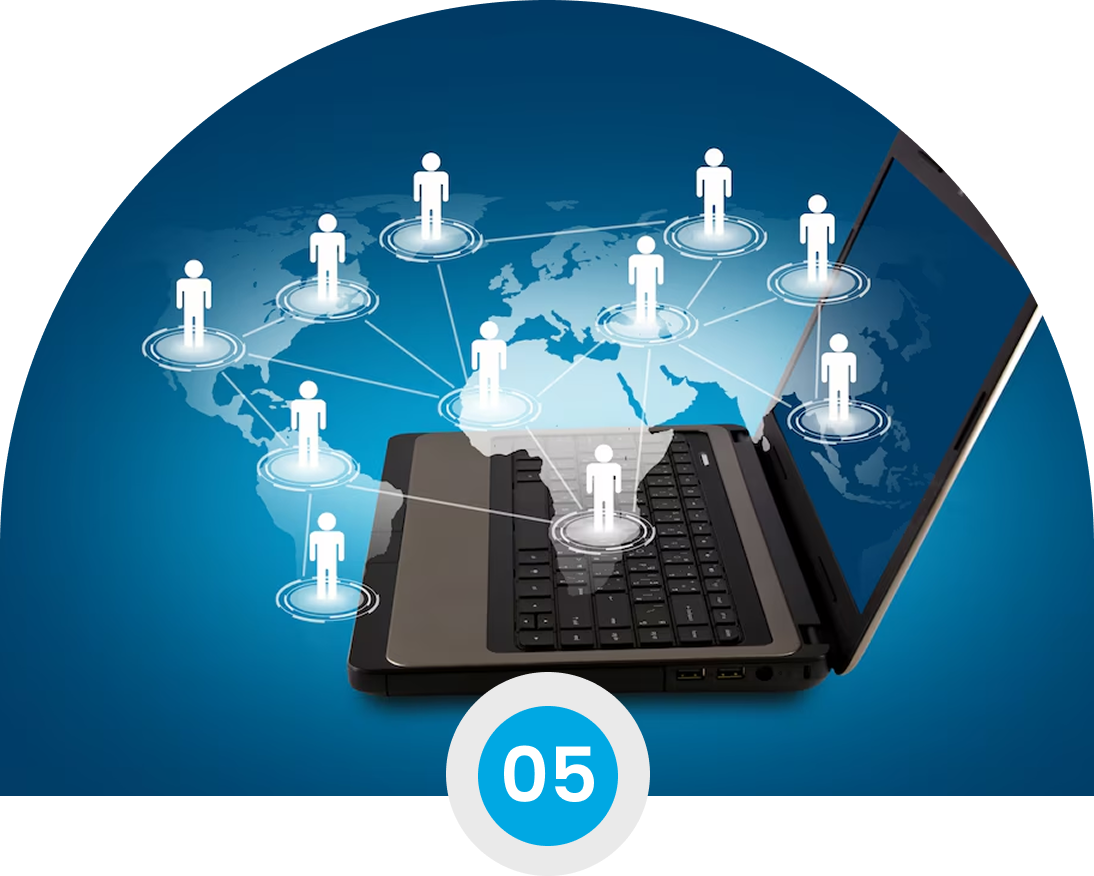
Networking

In a broad sense Networking or Computer Networking is the scientific and engineering discipline concerned with communication between computer systems. These networks involve at least two computers separated by a few inches or thousands of miles. A network can be as simple as computer sharing and up-dating information via a Bluetooth connection or as complex as a corporate system spanning many states or countries and consisting of thousands of systems and servers. Three types of Networks are listed below:
1. A Local Area Network (LAN) is a computer network covering a small local area, like a home, office, or small group of buildings such as a home, office, or college. Currently LANs are most likely to be based on switched Ethernet or WiFi (Wireless) technology running at 10, 100 or 1,000 Mbit/s.
2. A Wide Area Network (WAN) is a computer network covering a wide geographical area, involving a vast array of computers.
3. A Metropolitan Area Networks (MAN) is a large computer network usually spanning a campus or a city. They typically use wireless infrastructure or optical fiber connections to link their sites.

Read More...

Networking and Cabling

In the context of a wired network many individual components may be involved in the physical make-up of the network. Some of these components are as follows:
1. The physical cables that connect the network components together. With today’s standard these cables usually Cat5 (category 5), Cat7 (the newer category 7) or in some cases they are fiber optic (although this can be very expensive while being very fast).
2. Also there will usually be some type of connection to the Internet (although this is not required).
3. Routers, switches and hubs are some of the components that connect the wiring and manage where the information transmitted over the wire goes.
4. The physical connection on the wall where the computers connect to the LAN (Drops).5. The actual connection on the computer, printer etc. where the wire connects (Network Interface Card (NIC)).6. In addition to the hardware a protocol that all devices on the LAN can understand (usually TCP/IP on modern systems)

Read More...

Wireless Installations

In computer terms wireless is a method of communication that uses low-powered radio waves to transmit data between devices. The term refers to communication without cables or cords, chiefly using radio frequency and infrared waves. A common use is the wireless networking of computers. A network may be the combination of wired and wireless technology.

Access Point (AP)

Access Point (AP) which is a two-way transceiver that broadcast data into the surrounding environment.

Wireless Cards

Wireless devices designed for personal computers. Their purpose is to allow the computer to connect to a network through radio waves. These peripherals can be found as PCI cards, or portable USB devices. When activated, they scan their environment for signals from a wireless access point. If one is found, they allow the user to connect to the access point. The wireless capture card can determine if the access point is secured with an encryption method (usually Wired Equivalent Privacy (WEP) or Wi-Fi Protected Access (WPA) and can still allow the user to connect to it assuming the key or security passcode is available.

Read More...

In the realm of comAs your system operates the built in fan(s) pull in outside air to keep the interior components of the system cool. This cooling extends the life of the system and allows the system to operate at maximum performance. Unfortunately the fans also pull in outside pollutants such as dust, pet hair etc. These pollutants will cover the CPU and other components in the system causing the machine to run at an increased temperature. These pollutants in the interior of the machine need to be removed to insure continued operation of the system. Pollutants also acuminate on the exterior of systems getting into the fan, keyboard and coating the screen.puters Spyware refers to a wide category of software designed to intercept or take partial control of the computer system without the knowledge or consent of the Computer operator. While the term implies that the installed Spyware monitors the user, in-fact the term has come to refer to software that subverts the systems operation for the benefit of a third party.

Read More...

Disk Optimization

The purpose of Disk optimization is to optimize the time it takes to read and write files to and from the hard drive. This is accomplished using the combination of several tasks as briefly listed below.

Defragmentation

Fragmentation occurs when the system cannot or will not allocate enough contiguous space to store a complete file as a unit, but instead puts parts of it in gaps between other files (usually those gaps exist because they formerly held a file that the operating system has subsequently deleted or because the operating system allocated excess space for the file in the first place). Advances in technology are bringing us larger and larger disk drives, the performance loss due to fragmentation squares with each doubling of the size of the drive. Larger files and greater numbers of files also contribute to fragmentation and consequent performance loss. Defragmentation restores a drive to its original speed. It also moves infrequently used files further from the directory area.
Move all the index or directory information to one spot. Move this spot into the center of the data, e.g. one third of the way in, so that head travel to data is halved compared to having directory information at the front.

1. Cluster files around the directory area.
2. Move infrequently used files further from the directory area.
3. Obey a user provided table of file descriptions to emphasize or ignore.
4. Make files contiguous so that they can be read without unnecessary seeking.

Read More...

Windows Startup Programs

Every time any computer boots up it launches many programs which “run in the background”. This means that the various pieces of software are loaded into memory and are ready to run but they do not occupy a button on the taskbar; sometimes they will have a position in the System Tray (Notification Area). Some of these programs are valid and should be left alone, while others eat-up system resources thus slowing your system to a crawl as well as possibly posing dangers to your system and should be removed.

Read More...

Drivers

Fragmentation occurs when the system cannot or will not allocate enough contiguous space to store a complete file as a unit, but instead puts parts of it in gaps between other files (usually those gaps exist because they formerly held a file that the operating system has subsequently deleted or because the operating system allocated excess space for the file in the first place). Advances in technology are bringing us larger and larger disk drives, the performance loss due to fragmentation squares with each doubling of the size of the drive. Larger files and greater numbers of files also contribute to fragmentation and consequent performance loss. Defragmentation restores a drive to its original speed. It also moves infrequently used files further from the directory area.
Move all the index or directory information to one spot. Move this spot into the center of the data, e.g. one third of the way in, so that head travel to data is halved compared to having directory information at the front.

1. Cluster files around the directory area.
2. Move infrequently used files further from the directory area.
3. Obey a user provided table of file descriptions to emphasize or ignore.
4. Make files contiguous so that they can be read without unnecessary seeking.

Read More...

Testimonials

What Our Learners Are Saying

We deeply value our relationships with learners. Customer feedback is key to helping us improve and perfect our services.

While serving in the military I often found myself interested in pursuing a career within IT. Shortly after exiting the military, I started my journey and landed a position as an apprentice with a global consulting firm.

Brian Cancel

I began taking the Windows 2000 MCSE track in June of 2001. I decided to check out GIT after hearing an ad on the radio, and after viewing the facilities I signed up immediately.

David Warner

I joined Global IT’s Software QA & Testing, Oracle 12c SQL, and Oracle JAVA SE 8 programming from February 2018 to June 23, 2018. The Director at Global Information Technology tailored my courses to fit my career path and goals.

Gilbert Lopez

First of all I would like to start out by saying a big thank you to Global Information Technology who not only provided me with my CompTIA A+ and Network+ training, however they helped me to get full time employment with benefits.

Haitham Muhsin

Trusted by Leading Global Organizations

Feel Free to Call Us
Toll Free!

Get Info

Get in Touch !

Who are you?

You are giving your express written consent for global information technology to contact you regarding our programs and services using email, telephone or text. This consent is not required to purchase goods/services and you may always call us directly at 866-GO-GIT-GO (464-4846)
AWS Certified Cloud Practitioner
AWS Cloud Certification
AWS Solutions Architect Associate
AWS Solutions Architect Professional
Adobe Certified Professional
Adobe Dreamweaver CS6
Adobe Dreamweaver CS6 – Advanced
Adobe Dreamweaver CS6 – Basic
Business Analyst
Business Data Analytics (CBDA) Certification
CCNP Enterprise - Implementing Cisco Enterprise Advanced Routing and Services (ENARSI)- 2023 Version
CCNP Enterprise - Implementing and Operating Cisco Enterprise Network Core Technologies-2023 Version
CMMC Certified Assessor (CCA)
CMMC Certified Professional (CCP)
CMMC Organizational Foundations
Certified Associate in Project Management (CAPM) Certification Training
Certified Ethical Hacker (CEH)
Certified Information Systems Security Professional (CISSP)
Certified Internet of Things Practitioner (CIoTP)
Certified Internet of Things Security Practitioner (CIoTSP) v1.0
Certified Network Defender (CND v2)
Certified Network Defender V2
Certified Wireless Network Associate (CWNA)
Cisco Certified Network Associate (CCNA)
Cisco Certified Network Professional (CCNP)
Cloud Security Professional (CCSP)
CompTIA A+
CompTIA A+ Certification (1200 Series)
CompTIA A+ Core 1 (220-1201)
CompTIA A+ Core 2 (220-1202)
CompTIA Cloud+ Certification Training
CompTIA Cybersecurity Analyst (CySA+) Certification Training
CompTIA IT Fundamentals ( ITF+)
CompTIA Linux+
CompTIA Network+
CompTIA PenTest+ (PT0-003)
CompTIA Security+ Certification Training (SY0-701)
CompTIA SecurityX V5
Computer-Hacking-Forensic-Investigator-Certification-CHFI-training-V11
Cybersecurity Maturity Model Certification (CMMC) Program
Data Science & Machine Learning using Python
Data Science with Python, Machine Learning, Deep Learning & Gen AI-Professional
Deep Learning using Python
Designing Microsoft Azure Infrastructure Solutions AZ-305
Develop an ASP.NET Core Web App that Consumes an API
Generative AI course
HTML 5 - Advanced
HTML 5 - Basic
IT Professional 2
IT Professional 3
IT Professional 6
ITIL Certification Training
ITIL Foundation
Internet of Things (IoT) Professional
Internet of Things for Connected Product Professionals
Introduction to Computers
Java Professional
Java SE 11 using Eclipse
Java SE 8 Fundamentals
Java Script and Jquery
JavaScript - Basic
Lean Six Sigma Green Belt Certification
Mastering Microservices with Spring Boot and Spring Cloud Training
Microsoft Access 2019 Advanced
Microsoft Access 2019 Basic
Microsoft Access 2019 Intermediate
Microsoft Azure Administrator AZ-104
Microsoft Azure Architect Design AZ-304
Microsoft Azure Certification Training
Microsoft Azure Fundamentals AZ - 900
Microsoft Azure Professional
Microsoft Excel 2019 Basic
Microsoft Excel 2019 Intermediate
Microsoft Outlook 2019 Advanced
Microsoft Outlook 2019 Basic
Microsoft PowerPoint 2019 Advanced
Microsoft PowerPoint 2019 Basic
Microsoft SQL Server 2012 Administration
Microsoft SharePoint 2010 (70-667 TS: Microsoft SharePoint 2010, Configuring)
Microsoft Word 2019 Advanced
Microsoft Word 2019 Basic
Microsoft Word 2019 Intermediate
Network Engineering Professional
Network Security Expert Professional
Oracle 18c – Introduction to SQL
Oracle Database 11g: Data Warehouse
Oracle Database 19c: Administration Workshop I
Oracle Database 19c: Administration Workshop II
Oracle Database 19c: Database Administration Certified Professional
PMI Agile Certified Practitioner (PMI-ACP)®
PMI-PBA® Certification Training
Programming Java SOAP and REST Web Services - JBoss / Eclipse Training
Project Management Professional (PMP)® Exam Prep
Robotic Process Automation (RPA) Professional
SAP Sales and Distribution
Selenium WebDriver - Software QA Automation Testing with Java
Social Media Professional
Software QA Testing with Automation
UX/UI Programming
Using Windows 10
AWS Certified Cloud Practitioner
AWS Cloud Certification
AWS Solutions Architect Associate
AWS Solutions Architect Professional
Adobe Certified Professional
Adobe Dreamweaver CS6
Adobe Dreamweaver CS6 – Advanced
Adobe Dreamweaver CS6 – Basic
Business Analyst
Business Data Analytics (CBDA) Certification
CCNP Enterprise - Implementing Cisco Enterprise Advanced Routing and Services (ENARSI)- 2023 Version
CCNP Enterprise - Implementing and Operating Cisco Enterprise Network Core Technologies-2023 Version
CMMC Certified Assessor (CCA)
CMMC Certified Professional (CCP)
CMMC Organizational Foundations
Certified Associate in Project Management (CAPM) Certification Training
Certified Ethical Hacker (CEH)
Certified Information Systems Security Professional (CISSP)
Certified Internet of Things Practitioner (CIoTP)
Certified Internet of Things Security Practitioner (CIoTSP) v1.0
Certified Network Defender (CND v2)
Certified Network Defender V2
Certified Wireless Network Associate (CWNA)
Cisco Certified Network Associate (CCNA)
Cisco Certified Network Professional (CCNP)
Cloud Security Professional (CCSP)
CompTIA A+
CompTIA A+ Certification (1200 Series)
CompTIA A+ Core 1 (220-1201)
CompTIA A+ Core 2 (220-1202)
CompTIA Cloud+ Certification Training
CompTIA Cybersecurity Analyst (CySA+) Certification Training
CompTIA IT Fundamentals ( ITF+)
CompTIA Linux+
CompTIA Network+
CompTIA PenTest+ (PT0-003)
CompTIA Security+ Certification Training (SY0-701)
CompTIA SecurityX V5
Computer-Hacking-Forensic-Investigator-Certification-CHFI-training-V11
Cybersecurity Maturity Model Certification (CMMC) Program
Data Science & Machine Learning using Python
Data Science with Python, Machine Learning, Deep Learning & Gen AI-Professional
Deep Learning using Python
Designing Microsoft Azure Infrastructure Solutions AZ-305
Develop an ASP.NET Core Web App that Consumes an API
Generative AI course
HTML 5 - Advanced
HTML 5 - Basic
IT Professional 2
IT Professional 3
IT Professional 6
ITIL Certification Training
ITIL Foundation
Internet of Things (IoT) Professional
Internet of Things for Connected Product Professionals
Introduction to Computers
Java Professional
Java SE 11 using Eclipse
Java SE 8 Fundamentals
Java Script and Jquery
JavaScript - Basic
Lean Six Sigma Green Belt Certification
Mastering Microservices with Spring Boot and Spring Cloud Training
Microsoft Access 2019 Advanced
Microsoft Access 2019 Basic
Microsoft Access 2019 Intermediate
Microsoft Azure Administrator AZ-104
Microsoft Azure Architect Design AZ-304
Microsoft Azure Certification Training
Microsoft Azure Fundamentals AZ - 900
Microsoft Azure Professional
Microsoft Excel 2019 Basic
Microsoft Excel 2019 Intermediate
Microsoft Outlook 2019 Advanced
Microsoft Outlook 2019 Basic
Microsoft PowerPoint 2019 Advanced
Microsoft PowerPoint 2019 Basic
Microsoft SQL Server 2012 Administration
Microsoft SharePoint 2010 (70-667 TS: Microsoft SharePoint 2010, Configuring)
Microsoft Word 2019 Advanced
Microsoft Word 2019 Basic
Microsoft Word 2019 Intermediate
Network Engineering Professional
Network Security Expert Professional
Oracle 18c – Introduction to SQL
Oracle Database 11g: Data Warehouse
Oracle Database 19c: Administration Workshop I
Oracle Database 19c: Administration Workshop II
Oracle Database 19c: Database Administration Certified Professional
PMI Agile Certified Practitioner (PMI-ACP)®
PMI-PBA® Certification Training
Programming Java SOAP and REST Web Services - JBoss / Eclipse Training
Project Management Professional (PMP)® Exam Prep
Robotic Process Automation (RPA) Professional
SAP Sales and Distribution
Selenium WebDriver - Software QA Automation Testing with Java
Social Media Professional
Software QA Testing with Automation
UX/UI Programming
Using Windows 10
X
Thank you! Your submission has been received!
Oops! Something went wrong while submitting the form.